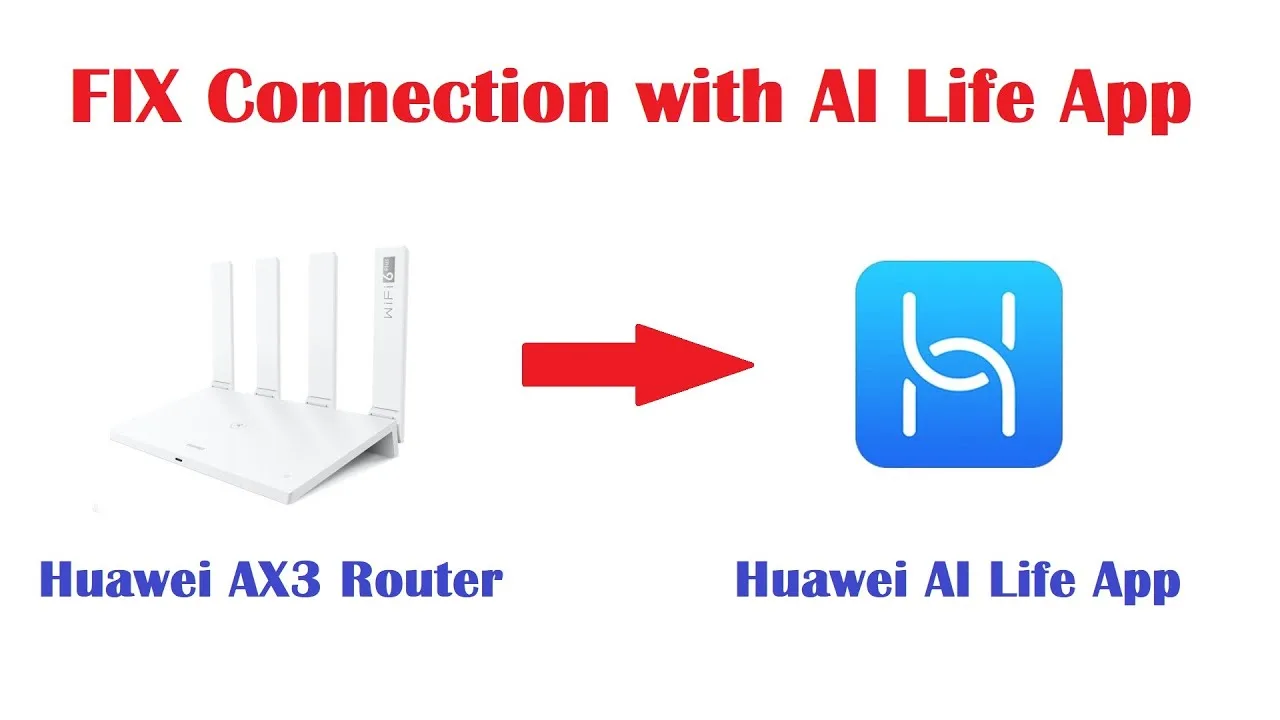
How to Create a Guest Wi-Fi Network With AI Life
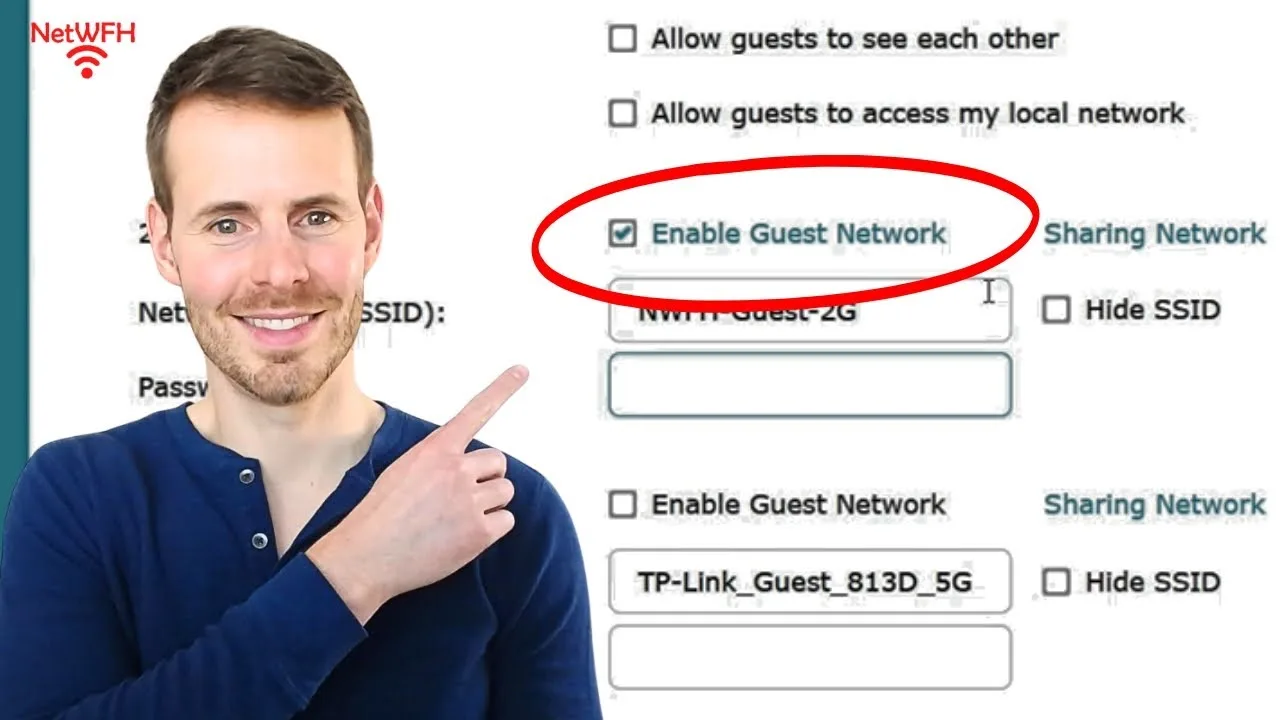
Every visitor asks the same question — 'what's your Wi-Fi?' — and every answer either hands them the keys to your household network or starts an awkward negotiation. Guest Wi-Fi is the third option: a separate network, managed through the AI Life Android app, that gives visitors internet while keeping your devices, files, and smart home on a network they cannot see.
This guide sets it up properly: the reasoning in one paragraph, the configuration choices that matter — name, password, hours — and the etiquette that makes guest access a pleasure rather than a support burden.
Ten minutes of setup converts every future visit's first question into a QR-code moment of hospitality instead of a small security decision made under social pressure.
Why Guests Belong on Their Own Network
Devices on your main network can, in principle, see and reach each other: computers, storage, printers, smart home gear. Your guests are lovely people carrying phones of unknown hygiene, and the guest network gives them the internet — the only thing they actually asked for — without the neighbourhood.
It also protects the guests: their devices are isolated from each other and from yours, which is good hygiene in both directions. Separation is not suspicion; it is architecture, and good hosts build it once.
Create and Name the Network
Enable the guest network in the router's settings through the app, and name it obviously: your main network's name with 'Guest' earns clarity at zero cost. Visitors should never have to guess which network is theirs, and you should never have to spell the clever one.
Where band choices are offered, the standard offering suffices for visitor purposes — browsing, messaging, the occasional video. Guests do not need your fastest lane; they need a working door.
A Password You Can Say Aloud
Guest passwords serve a different master than the main one: they must be shareable without dread — spoken across a room, written on the card by the router, changed without consequence. Choose something friendly and unique to this network, never a variation of your main password.
Rotate it seasonally or after big gatherings, the way you would change a spare key's hiding place. Because no household device depends on it, rotation costs nothing and resets the circle of who holds it to the people you currently expect. The credential discipline behind this lives in setting up and managing your router with AI Life, where the three-password household is established.
Time Limits and Schedules
Where the app offers guest network schedules or session limits, use them lightly: a guest network that sleeps when the house sleeps is reasonable; one that expires mid-visit is inhospitable. Match the settings to your actual hosting rhythm rather than to a theoretical threat.
For events — a party, a houseful of cousins — enable generously and review afterwards. Event hosting is the guest network's finest hour, and a two-minute review after the guests leave is the whole of its administration.
The Visitor Experience
Make joining effortless: a printed card or a spoken password, and help the first device on personally. Guests remember two things about your Wi-Fi — whether it worked and whether asking for it was awkward — and both are decided in the first two minutes.
If a guest's device struggles, the isolation cuts both ways: their phone cannot reach your printer or television by design, so set casting and printing expectations kindly in advance rather than troubleshooting a wall that was built on purpose. The device-list view in the AI Life device management guide will show guest devices separately, which ends most 'is it connected?' mysteries at a glance.
Smart Home and Work Boundaries
Keep your own smart home, work computer, and storage on the main network without exception, and resist the occasional temptation to park a misbehaving household gadget on the guest network 'for now'. Boundaries that bend for convenience stop being boundaries and become rumours.
Children's friends are guests in this architecture too, whatever their familiarity: their devices belong on the guest side, while your children's own devices live under the household's parental arrangements on the main network. The two systems — guest isolation and parental scheduling — solve different problems and should never be asked to swap jobs.
Review the Guest List Occasionally
Glance at guest devices during your seasonal network review: familiar names from recent visits are expected; a device from a gathering three seasons ago that still connects daily is a conversation to have, beginning with the password rotation described above.
The review is quick because the population is small and the stakes are low — which is precisely the peace the guest network was built to buy you on the main network's behalf.
Separate network, sayable password, light schedules, seasonal rotation: guest Wi-Fi turns a recurring small awkwardness into a standing piece of hospitality, and your main network stays the household's private interior.
Set it up before the next visit rather than during it. Hospitality, like security, is mostly preparation done in calm.
Print the guest card where guests actually land — the fridge, the guest room, the hallway table — rather than where the router happens to live. Hospitality is logistics before it is generosity, and the card's location is a logistics decision.
After a big gathering, glance once at the guest list before rotating the password. It is the work of a moment, and it closes the season's hospitality with the same tidiness it opened with.