AI Life Device Management Guide: Routers, Audio, and More
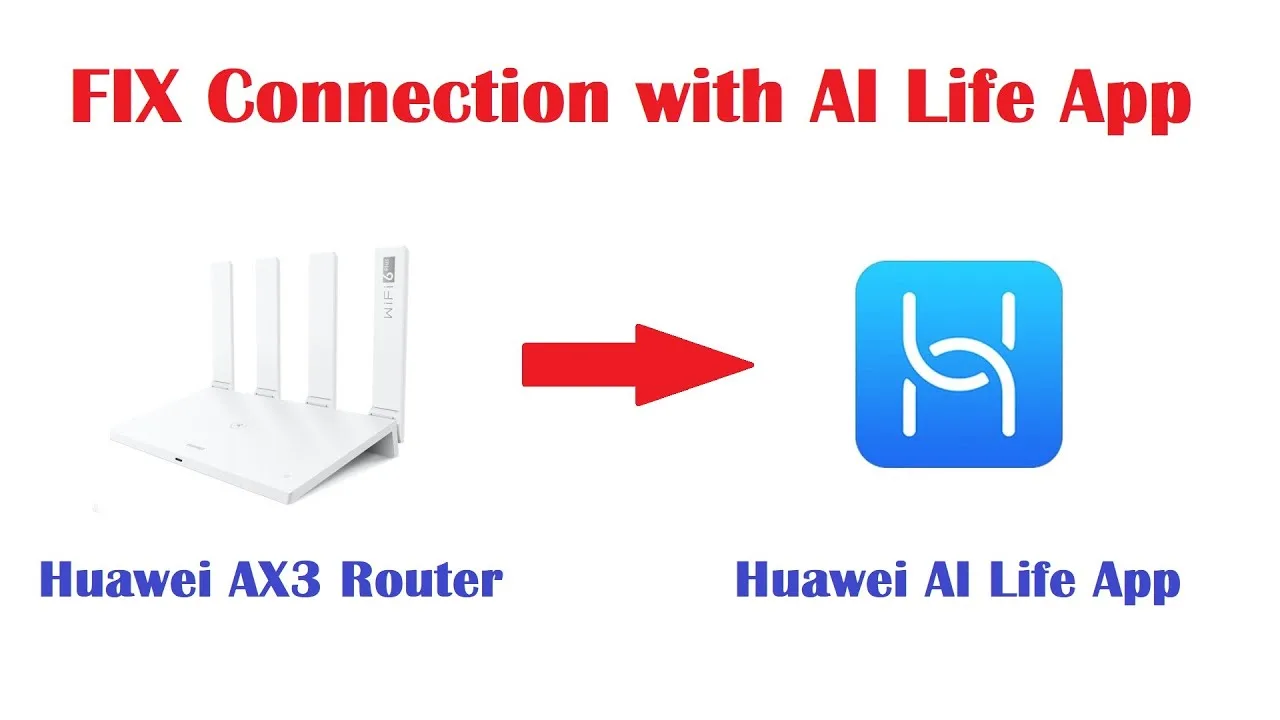
A modern household is a fleet: the router at its centre, phones and laptops coming and going, earbuds and speakers pairing and vanishing into drawers. AI Life router app is the fleet's register — the one place where routers, audio gear, and connected devices are listed, named, and managed. This guide teaches the register-keeping: reading the device list like a story, naming things so humans recognise them, managing audio devices' settings, and striking off the devices you no longer own.
Good register-keeping looks like tidiness and functions as security. The list you understand is the list where a stranger stands out.
Spend one session organising yours. Every future glance at the app becomes faster and more honest for it.
Read the Device List Like a Story
Open the connected-devices view and account for every entry: whose phone, which laptop, the television, the printer that only wakes to disappoint. Each device the router sees is listed with some identifier; your job in this first pass is simply recognition, entry by entry.
Anything you cannot account for deserves a calm investigation, not panic: it is usually a forgotten gadget, a guest's phone still remembered, or a device wearing an unhelpful technical name. Naming, next, dissolves most of the mystery permanently.
Name Devices for Humans
Rename entries to what your household calls them — 'Sara's phone', 'study laptop', 'the good earbuds' — wherever the app allows custom names. A list in human language is a list you will actually review, and review is where management happens.
Keep names stable once chosen. The value of the register compounds with consistency: last month's list and this month's should read as editions of the same document, so changes mean something when you see them. The register lives among the tools toured in the core functions in AI Life.
Manage Audio Devices Properly
Earbuds and speakers paired through the app carry their own settings — firmware, controls, sound preferences, battery at a glance. Keep their firmware current on a quiet afternoon, set the touch or button controls to the gestures you actually use, and check battery habits before travel days rather than at the gate.
When audio gear misbehaves — one bud silent, pairing forgotten — the app's device page is the first clinic: unpair and re-pair from there, with the case charged, before concluding the hardware has died. Most audio deaths are pairing amnesia wearing a disguise.
Priorities and Limits Where Offered
Where the router offers device priorities or limits, use them with intent: the work laptop's calls outrank the games console's update; the children's tablet keeps the schedule the household agreed. Management features earn their keep when they encode decisions once, instead of refereeing them nightly.
Change one rule at a time and live with it for a week. Networks are ecosystems, and a household that cannot tell which change helped has not managed its network — it has merely edited it.
Remove What You No Longer Own
Sold phones, dead tablets, the router's predecessor: strike them from the register. A list padded with ghosts makes the real population harder to see and, in the case of old devices still holding network access, represents doors you meant to close.
When a device leaves the household — sold, gifted, lost — remove it here and, for anything that knew the Wi-Fi password, let that removal be your reminder about the password conversation the household may be due. The security side of the register is developed in AI Life network diagnostics and troubleshooting tools, where an accurate list is the foundation everything stands on.
Multiple Households and Places
Some users manage more than one place — home and a parents' home, a flat and a workshop. Keep the households separate and labelled by place, and switch deliberately; the register's clarity survives only while each list means one physical location.
When helping family remotely, their device list is your eyes. A well-named register at their end turns a phone call of guesses into a two-minute diagnosis, which is why setting up their names kindly is a gift you give your future self.
A Seasonal Register Review
Fold the device list into the seasonal network routine: update the app, review the register name by name, strike the departed, welcome the new, glance at firmware. Ten minutes, four times a year, and the fleet stays known.
The review is also where small mysteries get solved while they are small — the unknown entry that turns out to be the smart plug, the duplicate that was the tablet on both bands. Registries, like gardens, are maintained by rhythm rather than by rescue.
A device list you can read aloud and account for, in human names, with the departed struck off: that is management, and everything else the app offers is built on top of it.
Do the organising session once. The register will repay it at every glance for years.
Teach one other household member to read the register; a list only you understand is a single point of failure wearing a tidy interface. Ten minutes of showing — here are our things, here is what a stranger would look like — doubles the household's security at no cost.
A register is a promise the household makes to itself: everything here is ours, everything ours is here. Keep the promise visibly and the list becomes a comfort instead of a chore.